

Understanding image aspect ratios is crucial for creating visually appealing content across various platforms. The aspect ratio represents the relationship between an image’s width and height, expressed as a ratio (like 16:9). It determines how an image fits and displays on different screens, without distortion or cropping.
The importance of aspect ratios lies in ensuring the correct display of images and videos, preserving visual integrity while enhancing the viewing experience. Different platforms and devices require specific ratios to match their screen shapes and sizes. For instance, social media platforms like Instagram prefer square (1:1) or portrait (4:5) formats, while YouTube uses widescreen 16:9.
Understanding how aspect ratio impacts the display is key. If the ratio doesn’t match the screen, it can lead to unwanted stretching, black bars, or cropping, affecting the viewer’s experience. Common ratios include 16:9 for widescreen, 3:2 for photography, and 1:1 for social media posts.
Choosing the right aspect ratio depends on your subject, the device, and where the image will be displayed. There’s no one-size-fits-all; the right choice ensures a good fit for the intended platform, whether it’s print or digital.
To adjust an image’s aspect ratio, editing tools like Photoshop or GIMP can help. You can crop or resize your image to match the desired ratio, being mindful of composition and avoiding distortion. Adjusting the aspect ratio correctly makes sure your image fits perfectly and displays without issues.
In short, the right aspect ratio ensures your images are presented as you intend. By choosing the correct ratio for your content, you avoid stretching, cropping, and distortion, ensuring your images look great wherever they appear.
What Is The Image Aspect Ratios?
Image aspect ratios refer to the proportional relationship between an image’s width and height, expressed as two numbers separated by a colon (e.g., 16:9). This ratio defines the image’s shape, not its actual size.

The aspect ratio plays a huge role in how an image is displayed across different platforms and devices. It’s not about pixel count but the proportion of width to height, which means the ratio stays the same even when the image size changes. For example, a 500×500 pixel image and a 1000×1000 pixel image both have a 1:1 ratio, even though their resolution differs.
Different aspect ratios are commonly used across various fields. In photography, a 3:2 ratio is typical, while 1:1 is used for square images, like those on Instagram. TVs commonly use 16:9, while movies often use 2.39:1. For gaming, an ultrawide 21:9 ratio is popular for monitors.
Using the right aspect ratio is essential for ensuring that an image fits correctly on different devices. Whether on a smartphone or desktop, an improper ratio can cause images to stretch or lose clarity. It can also affect how photos are composed, with cameras designed to capture images in specific ratios like 4:3 or 16:9.
In short, aspect ratio shapes how images appear across all media. Getting it right ensures sharpness and proper fit, whether you’re posting on social media or printing a photo. Make sure to choose the best ratio for your needs
Why is an aspect ratio important?
Aspect ratio is crucial because it ensures images and videos display correctly without distortion or cropping, enhances the viewing experience by matching human vision, meets specific platform needs like social media or mobile, and serves as a key creative tool for visual storytelling.
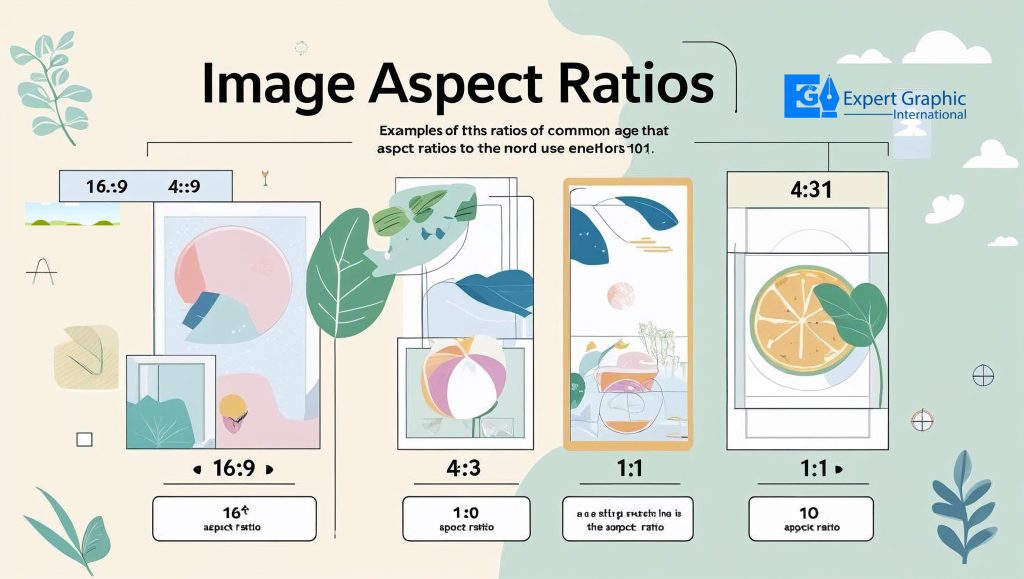
Preserving Correct Display & Integrity: The right aspect ratio prevents your content from looking messed up. It stops ugly stretching, squeezing, or cropping on screens. This keeps photos and videos looking exactly how you intended them, whether on a phone, computer, or print. Using the wrong ratio makes things look unprofessional and frustrates viewers.
Enhancing Visual Experience & Immersion: Wider ratios like 16:9 feel more natural to watch. They match how our eyes see the world side-by-side, making movies and videos way more immersive. Think epic landscapes that fill your vision! Different ratios can even create specific feelings, like loneliness or grandeur, making the experience more powerful.
Ensuring Platform Compatibility: Every device and app has its favorite shape. Your TV likes one ratio, your phone another, and Instagram wants something different. Picking the right aspect ratio makes sure your stuff looks its best everywhere. It avoids awkward empty bars (letterboxing) or weird resizing that makes viewers scroll past.
Supporting Storytelling & Creative Control: Aspect ratio is a secret weapon for creators. A wide shot (like 2.35:1) makes scenes feel huge and epic. A square format feels more intimate or focused. Changing the ratio changes what fits in the frame and where your subject sits – it’s a powerful way to tell your story visually and evoke emotion. Getting it wrong can cut off important details.
How does aspect ratio impact the display of an image?
Aspect ratio directly shapes how your image looks on screen, affecting its composition and preventing distortion or unwanted cropping. Using the right ratio ensures compatibility with different displays, keeping everything looking sharp and as intended.
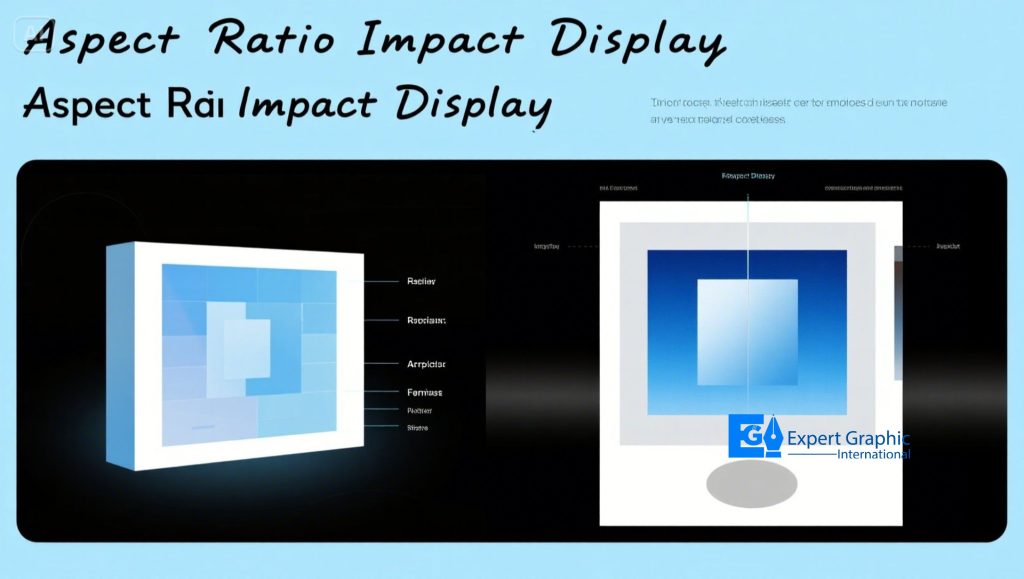
Composition and framing get shaped by the aspect ratio. A wide ratio like 16:9 fits sweeping landscapes perfectly, while a tall ratio like 9:16 highlights vertical subjects like people or buildings. Square 1:1 ratios create balanced, modern-looking shots.
How viewers feel about your image is influenced by the aspect ratio. Wide shots (like 16:9) make scenes feel big and cinematic, like a movie. Taller shots (like 9:16) feel more focused or intimate. Square ratios feel stable and calm.
Matching the aspect ratio to the display device is crucial. Phones, computers, and social media sites (like Instagram or TikTok) all work best with specific ratios. Using the correct one means your image fits perfectly without getting cut off or looking weird.
Using the wrong aspect ratio causes visible problems. Images can get stretched or squished (think stretched faces!), making them look unnatural. Important parts might get chopped off entirely if the ratio doesn’t match the screen. This gives people a messy, inconsistent viewing experience.
What are the most common Image aspect ratios?
The four most common image aspect ratios are 16:9 (widescreens, video), 3:2 (photography, prints), 4:3 (older cameras/displays), and 1:1 (square, social media like Instagram).
16:9 is the standard for modern widescreens. You see it everywhere on TVs, computer monitors, and HD video. Think of panoramic landscapes or watching a movie. Resolutions like 1920×1080 pixels are super common here. It basically replaced the older 4:3 for screens.
3:2 is the classic photography shape. It comes straight from old 35mm film and is still the go-to for many DSLR and APS-C digital cameras. It’s also the standard for common print sizes, like your typical 4×6 inch photo. It gives photographers room to crop later if needed.
4:3 was king on older tech. It dominated point-and-shoot cameras, early computer monitors, and old TV sets before 16:9 took over. You might still find it on some Micro Four Thirds cameras or smartphones. Think boxier screens and photos.
1:1 is your perfect square. This ratio shines on social media, especially Instagram posts and Facebook profile pictures. Some fancy medium format film cameras (like Hasselblads) also used this square format. It squeezes your image equally top to bottom and side to side.
What aspect ratio is best for an image?
There’s no single “best” aspect ratio for an image. The ideal choice depends on your subject matter, your camera’s sensor limits, how you plan to use the image (print or online), and your own creative vision. Popular options include 3:2, 4:3, 16:9, and 1:1, each with different strengths.
Subject Matter:
What you’re shooting heavily influences the best frame. Wide landscapes often shine in 16:9, capturing that panoramic feel. A tight portrait might look sharper in 4:3 or even a bold 1:1 square. Pick the shape that naturally fits your scene.
Camera Sensor:
Your camera’s sensor is the boss here for quality. Stick close to its native ratio to avoid nasty cropping that kills detail. A Micro Four Thirds camera? Use 4:3 or 1:1. Trying 3:2 or 16:9 on it forces big crops, leading to poor quality. Full-frame sensors offer more flexibility for cropping later.
Intended Use:
Where the image ends up matters big time. Planning prints? Standard sizes like 6×4 photos use 3:2. Posting on Instagram? The 1:1 square is king there. Match the ratio to the platform or print size to avoid awkward fits later.
Personal Preference:
You’re the artist! The “best” ratio is the one that makes your shot look awesome to you. It’s about your style and how you see the final image. Experiment and pick what feels right for your vision.
Forget finding one magic number. Think about what you shoot, what shoots it, where it goes, and what you like. That combo points you to the best aspect ratio for your image.
How does aspect ratio impact the display of an image and its fit on different screens?
Aspect ratio impacts the display of an image and its fit on different screens by causing distortion (stretched/squeezed look), adding black bars (letterboxing/pillarboxing), or forcing cropping (cutting off parts) when the image’s ratio doesn’t match the screen’s ratio.
Impact 1: Distortion
When an image has one aspect ratio and is shown on a screen with a different ratio, it can look stretched or compressed. This distorts the image’s appearance, making people or objects look unnaturally wide or tall.
Impact 2: Black Bars
If the image’s aspect ratio doesn’t match the screen’s ratio, black bars appear. These fill the empty space, preserving the original image shape. Letterboxing (bars top/bottom) happens for wide films on TV; pillarboxing (bars sides) happens for tall images on wide screens.
Impact 3: Cropping
To force an image to fit a screen with an incompatible aspect ratio, the display might crop it. This means cutting off parts of the original content, like someone’s head or important action at the edge.
Examples Across Screens
16:9 screens (common TVs/monitors) show cinematic ratios (like 1.85:1 or 2.39:1) with letterboxing.
Social media platforms need specific ratios: 9:16 (tall) for TikTok/IGTV fits phones vertically, while 1:1 (square) is common for Instagram posts.
Older 4:3 (more square) content shows pillarboxing on modern 16:9 screens.
Why It Matters for Fit
Using the correct aspect ratio is key for visual consistency – it ensures your image displays as you meant it to, looking its best and fitting properly across various devices without annoying distortions, bars, or cropping. Mind your ratios!
What is the image aspect ratio in pixels?
The image aspect ratio in pixels is the proportional relationship between an image’s width in pixels and its height in pixels, expressed as a ratio like 16:9. You calculate it by dividing the pixel width by the pixel height.
How we figure out this ratio: To find the aspect ratio, you take the image’s total width (counted in pixels) and divide it by the total height (also counted in pixels). For example, an image sized 1920 pixels wide by 1080 pixels tall gives 1920 / 1080 = 16:9. Common examples are 1:1 (1080×1080), 4:3 (1024×768), 16:9 (1920×1080), and 3:2 (1080×720).
Why pixel shape matters today: In almost all modern screens and digital images, the tiny dots (pixels) are perfect squares (1:1 PAR). This is super important! Because pixels are square, the aspect ratio you get from the width and height counts (SAR) is exactly how the picture looks on screen (DAR). You don’t need extra math for old-style rectangular pixels.
Where you see this in real life: Different places need specific ratios. Social media feeds love 1:1 squares (like Instagram posts). Older computer screens often used 4:3. Your widescreen TV or YouTube videos? That’s 16:9. Using the right ratio stops your pictures from looking squished or getting awkwardly chopped off.
Getting the numbers right: Think of it like simplifying a fraction. A picture 1280 pixels wide and 720 pixels tall? Divide: 1280 ÷ 720 ≈ 1.777. That matches the 16:9 ratio (since 16 ÷ 9 ≈ 1.777). Pictures with different sizes, like 1920×1080 and 1280×720, both share the 16:9 shape because the proportion of width to height is identical.
Why this ratio is a big deal: Using the correct pixel aspect ratio makes sure your image looks exactly how you planned – no weird stretching or squashing. It keeps circles looking like circles and squares looking like squares. Matching the platform’s expected ratio means your work displays perfectly everywhere. Always start with your pixel width and height to get this crucial number right
What is the right Image aspect ratio for different social platforms or print sizes?
The right image aspect ratio for different social platforms or print sizes varies. Instagram uses 1:1, 4:5, and 1.91:1 for social posts, while print sizes like 4×6 use a 3:2 ratio. Each platform or print has its own recommended dimensions and ratios.
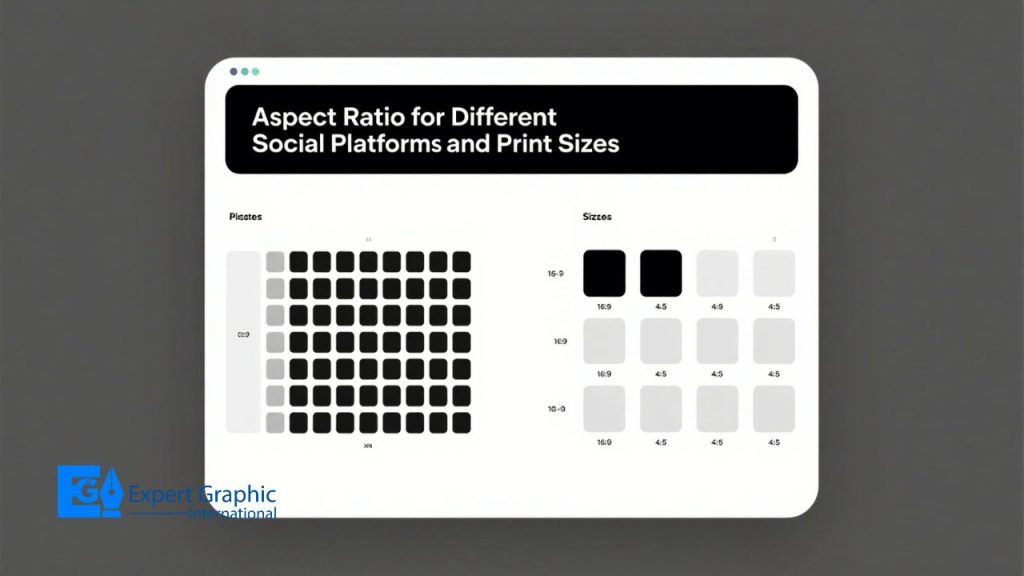
For Instagram, the ideal ratios are 1:1 for square images (1080 x 1080 px), 4:5 for portrait (1080 x 1350 px), and 1.91:1 for landscape (1080 x 566 px). Instagram also uses 9:16 for Stories and Reels (1080 x 1920 px). On Facebook, you’ll see similar ratios: 1:1 for square (1080 x 1080 px), 4:5 for portrait (1080 x 1350 px), and 1.91:1 for landscape (1080 x 566 px, recommended 1200 x 630 px). Twitter (X) sticks to 16:9 for landscape (1280 x 720 px) and 9:16 for vertical (720 x 1280 px). LinkedIn uses 1.91:1 for landscape (1200 x 627 px) and 4:5 for portrait (720 x 900 px).
Pinterest recommends 2:3 (1000 x 1500 px) for vertical images, but other ratios like 9:16, 3:4, and 4:5 are also used. TikTok predominantly uses 9:16 for vertical posts and 16:9 for landscape ads. For YouTube, thumbnails are best in 16:9.
When considering print sizes, the aspect ratio is important. For 4×6 prints, the ratio is 3:2, typical for most photography. 5×7 prints follow a 5:7 ratio, while 8×10 prints usually follow a 5:4 (or 4:5) ratio, often seen in portrait photography. 11×14 prints have a ratio of 11:14, and 16×20 prints use 5:4 or 4:5, commonly seen in larger photography prints.
For effective image presentation, remember that choosing the right ratio is key. Aspect ratios help ensure your images fit perfectly, avoiding cropping or distortion. Each platform or print format has its own ideal ratio, and following these guidelines guarantees your content looks its best.
How to change your photo’s aspect ratio?
To change your photo’s aspect ratio, you need to use an image editing tool (like Photoshop, GIMP, Adobe Express, or Cloudinary) to either crop or resize your image. You can choose from predefined aspect ratios or manually adjust the dimensions.
Choosing an Image Editing Tool
To begin, pick an image editing tool. Popular options include Photoshop, GIMP, Adobe Express, and Cloudinary. These tools allow you to easily upload, crop, or resize images, giving you control over the aspect ratio.
Cropping or Resizing the Image
Once your image is open in the tool, locate the crop or resize function. For cropping, drag the crop handles to select the area to keep, preserving the aspect ratio. To resize, manually adjust the image’s width and height, either using preset ratios like 16:9 or inputting custom values.
Aspect Ratio Choices

Aspect ratios like 16:9, 4:3, or 1:1 are commonly available in most tools. These ratios define the relationship between an image’s width and height. If none of these work, you can enter custom dimensions based on your specific needs.
Consider Image Composition and Distortion
As you adjust your photo’s aspect ratio, keep in mind the composition. Cropping or resizing can alter the balance of elements in your image, possibly cutting out important details. Also, distortion can occur when resizing drastically, stretching the photo or squishing it in ways that can look unnatural.
Save and Preview Your Image
Once you’ve made adjustments, always preview your photo. Check to ensure it hasn’t been overly cropped or distorted. When satisfied, save the image in a format like JPG or PNG. Always consider the platform or medium where the image will be used, such as social media or printing.
Conclusion
Choosing the right aspect ratio for your images ensures they look their best across various platforms and devices. The aspect ratio affects how an image appears, preventing issues like distortion, cropping, or awkward black bars. Whether you’re working with social media, print, or video content, each platform has its own recommended ratio for optimal display.
By understanding and selecting the right image aspect ratio, you control how your visuals are presented. For example, Instagram loves square (1:1) images, while YouTube sticks to the standard 16:9. Make sure to adapt your photos or videos to the platform’s needs to avoid content looking stretched or cropped.
When editing, using tools like Photoshop or GIMP gives you the flexibility to crop or resize images to fit your desired ratio. Keep an eye on composition to avoid losing important details or creating unnatural distortions.
Remember, the right aspect ratio can make a huge difference in how your content is received. So, next time you’re preparing an image, make sure you pick the correct aspect ratio for the platform you’re using—whether it’s social media, a website, or print.