by Expert Graphic International | Mar 16, 2026 | Business, Graphic Design
A clipping path uses a closed vector outline to cut out a 2D image subject in editing software. You create it by hand with the Pen Tool in Photoshop, and the path tells the app which pixels to keep and which to hide. A clipping path keeps edges crisp, scales cleanly,...
by Expert Graphic International | Mar 5, 2026 | Uncategorized
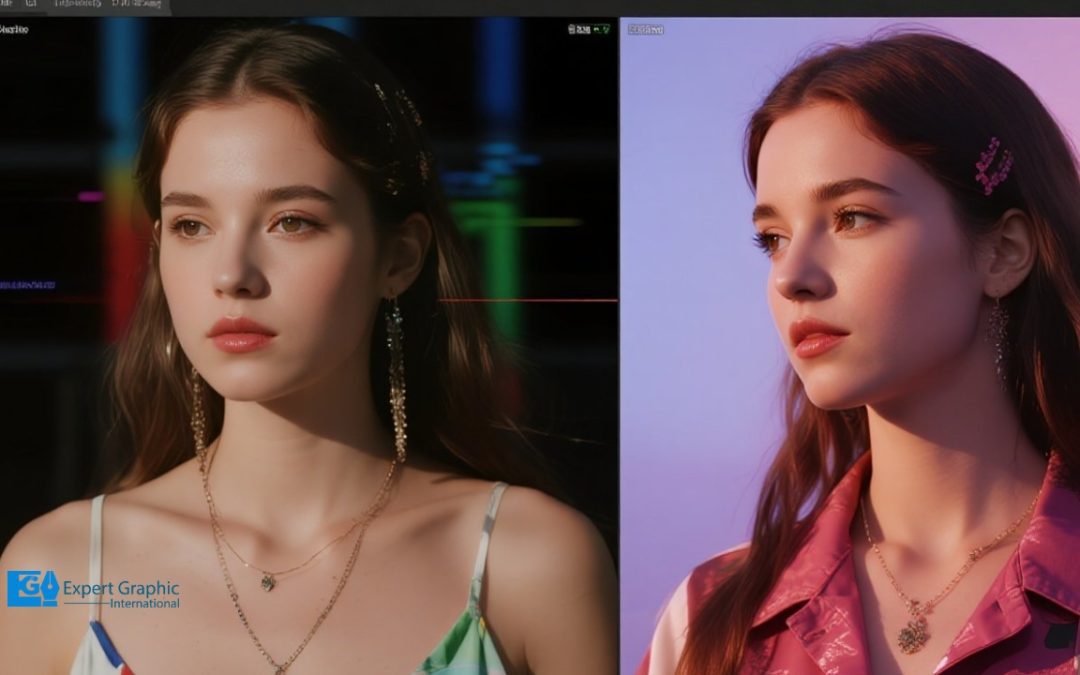
Black-and-white conversion removes color information so you work with luminance (lightness) and contrast instead of hue and saturation. You get fast results with one-tap filters, and you get controlled results with sliders (reds, blues, yellows) that shape tones for...
by Expert Graphic International | Feb 27, 2026 | Uncategorized
Creating a clipping mask follows four clear steps: draw a vector shape to serve as the mask, place that shape above the artwork in the Layers panel, select both the mask and the artwork, then apply Make Clipping Mask (Ctrl/Cmd+7 or Object > Clipping Mask >...
by Expert Graphic International | Feb 22, 2026 | Uncategorized
You check an image’s copyright by running a reverse image search, spotting watermarks or © marks, and asking the creator for permission.You read an image’s metadata (EXIF) to find the author, licensing notes, and ownership clues so you avoid headaches.You scan for...
by Expert Graphic International | Feb 17, 2026 | Graphic Design, Image Editing
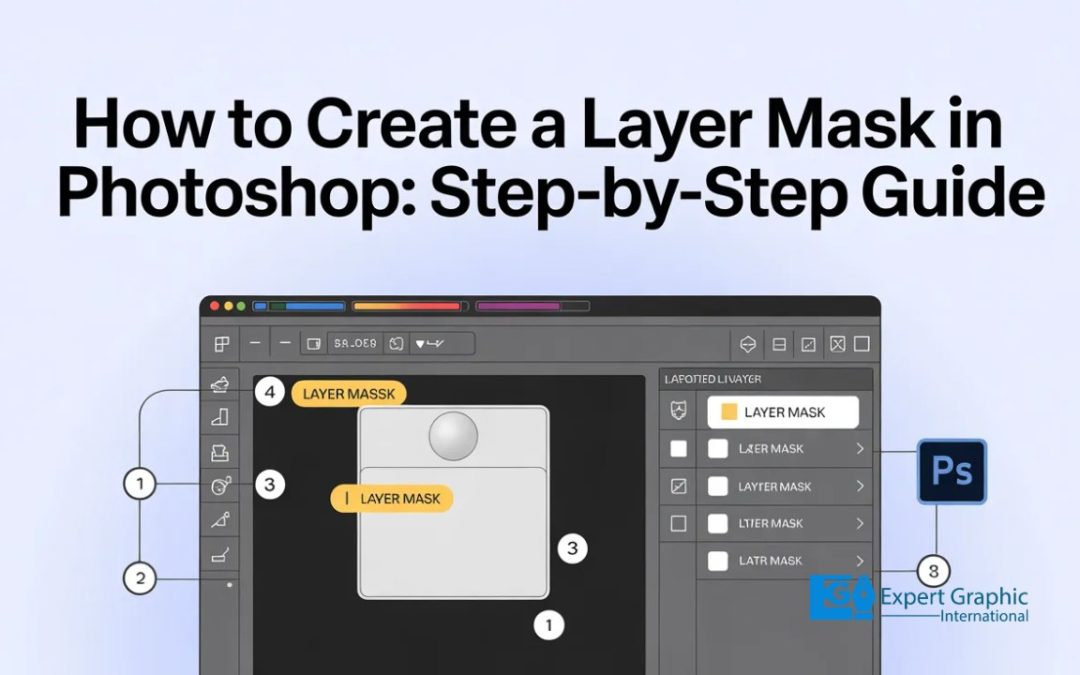
Layer masks are your best friend for hiding or showing parts of a picture without trashing the original files. You start by hitting the Add layer mask button at the bottom of the Layers panel to get that little white thumbnail. To get to work, you grab the Brush Tool...
by Expert Graphic International | Feb 12, 2026 | Graphic Design, Image Editing, Photo Editing
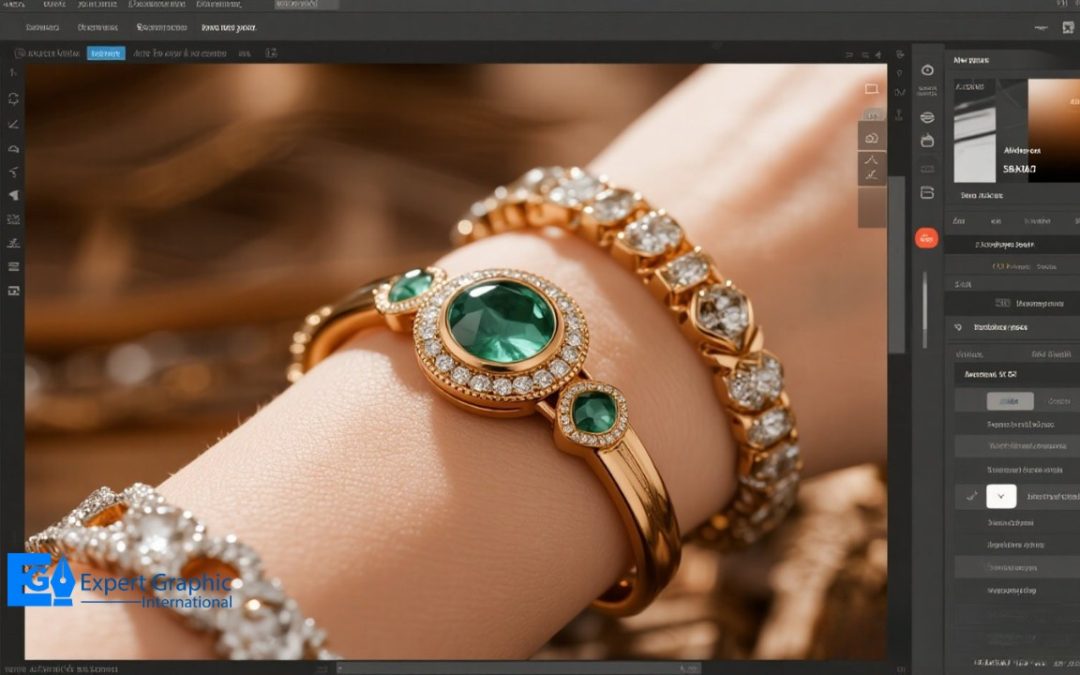
Why Is Jewelry Photo Retouching Important For Businesses? Jewelry photo retouching is a Photoshop-based editing process that makes product images look clean, sharp, and premium while keeping the jewelry true to life. It includes background removal, dust and scratch...
by Expert Graphic International | Feb 8, 2026 | Graphic Design, Image Editing, Photo Editing
A white background supports clean, consistent product photos that match common ecommerce expectations and marketplace image rules. A white backdrop keeps attention on product shape, texture, and color, and a white backdrop also helps you build a consistent product...
by Expert Graphic International | Feb 3, 2026 | Uncategorized
Improving image quality in Photoshop is all about a smart mix of size adjustments and post-processing polish. You start by using the Image Size dialog box to boost resolution through resampling methods like Preserve Details 2.0. Once you’ve got your pixels in place,...
by Expert Graphic International | Jan 29, 2026 | Graphic Design, Image Editing, Photo Editing
Changing an object’s color in Photoshop uses four main approaches, each suited to a different need. The Hue/Saturation Adjustment Layer gives you non-destructive control, so you shift hue, saturation, and lightness while keeping the original pixels safe. A Solid Color...
by Expert Graphic International | Jan 24, 2026 | Uncategorized
Layer masks are your best friend for hiding or showing parts of a picture without trashing the original files. You start by hitting the Add layer mask button at the bottom of the Layers panel to get that little white thumbnail. To get to work, you grab the Brush Tool...