+8801753585949 [email protected]
  • About Us
  • How It Works
  • Payment
  • Contact
  • Sitemap
  • Blog
Expert Graphic International
  • Home
  • Image Editing
        • Background Removal Service
          • Clipping Path Service
          • Ghost Mannequin Effect
          • Photoshop Image Masking
          • Photoshop Shadow Services
          • Multiple Clipping Path Service
        • Professional Photo Retouching
          • Product Photo Retouching
          • High End Photo Retouching
          • Photoshop Color Correction
          • Professional Car Photo Editing
          • Professional Shoe Photo Editing
        • Photography Post Production
          • Ecommerce Photo Editing
          • Real Estate Photo Editing
          • Wedding Photo Editing
          • Fashion Photo Editing
          • Jewelry Photo Editing Service
        • Creative Image Editing
          • Vector Conversion Service
          • Photo Restoration Service
          • Creative Photo Manipulation
          • Catalog Design Service
          • Vector Line Drawing Service
  • Video Editing
  • Upload Image
  • Pricing
  • Get A Quote
  • Get Free Trial
Select Page
Improve Image Quality Photoshop: Use Preserve Details 2.0 & High Pass

Improve Image Quality Photoshop: Use Preserve Details 2.0 & High Pass

by Expert Graphic International | Feb 3, 2026 | Uncategorized

Improving image quality in Photoshop is all about a smart mix of size adjustments and post-processing polish. You start by using the Image Size dialog box to boost resolution through resampling methods like Preserve Details 2.0. Once you’ve got your pixels in place,...
How to Create a Layer Mask in Photoshop: Step-by-Step Guide

How to Create a Layer Mask in Photoshop: Step-by-Step Guide

by Expert Graphic International | Jan 24, 2026 | Uncategorized

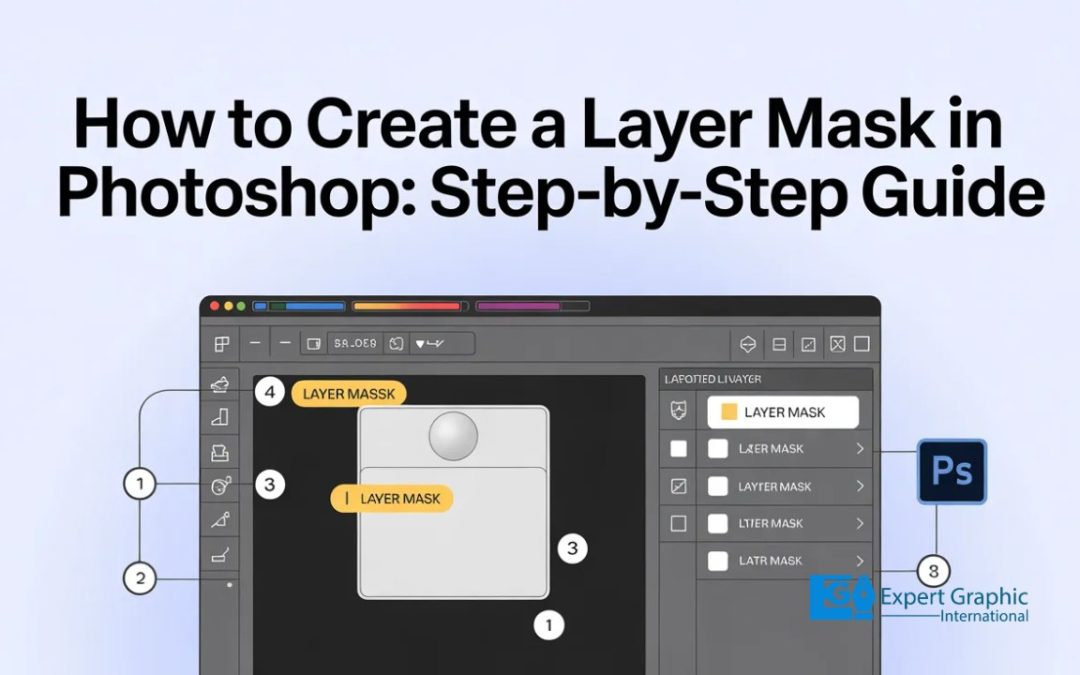
Layer masks are your best friend for hiding or showing parts of a picture without trashing the original files. You start by hitting the Add layer mask button at the bottom of the Layers panel to get that little white thumbnail. To get to work, you grab the Brush Tool...

Canva vs Photoshop: Photo Editing, AI, Pricing & Beginner Differences

Canva vs Photoshop: Photo Editing, AI, Pricing & Beginner Differences

by Expert Graphic International | Dec 26, 2025 | Uncategorized

Canva and Photoshop are both powerful tools for graphic design, but they serve different needs. Photoshop is a professional software built for detailed, high-level image editing and manipulation, perfect for advanced users like photographers and designers. It allows...
When Was Photography Invented? Niépce, Daguerre, Exposure

When Was Photography Invented? Niépce, Daguerre, Exposure

by Expert Graphic International | Oct 30, 2025 | Uncategorized

The first surviving permanent photograph appears in 1826/1827, when Joseph Nicéphore Niépce uses heliography in a camera obscura on a bitumen-coated pewter plate. The subject is “View from the Window at Le Gras”—courtyard, rooftops, a pigeon house, and a pear...
What Does DSLR Stand For: full guide, use, benefits and limits

What Does DSLR Stand For: full guide, use, benefits and limits

by Expert Graphic International | Oct 11, 2025 | Uncategorized

A DSLR camera stands for Digital Single-Lens Reflex. It works by using a mirror inside the body to show you an exact optical view of your scene. When you take a picture, that mirror flips up so light can hit a large digital sensor, which is key for getting sharp,...
The Parts Of A Camera: Uses, Systems and Controls

The Parts Of A Camera: Uses, Systems and Controls

by Expert Graphic International | Aug 29, 2025 | Uncategorized

When you break down a camera, every part has a job that shapes how your photos turn out. The camera body and external parts house the core components, give you a solid grip, and attach to tripods for stability. The viewing and framing systems viewfinders, LCD screens,...
« Older Entries

Recent Posts

  • Why Choose a White Background for Product Photos: Benefits & Specs
  • Improve Image Quality Photoshop: Use Preserve Details 2.0 & High Pass
  • 4 Ways to Change Object Color in Photoshop: Hue, Fill, and More
  • How to Create a Layer Mask in Photoshop: Step-by-Step Guide
  • What is Adobe Photoshop? Definition, Features & Use Cases

Contact Details

Services

About EGI

Contact Details

  • call-icon+8801753-585949
  • gmail image icon[email protected]
  • gmail image icon[email protected]
  • Address117 Hewitt Ave Buffalo, NY 14215, USA.
  • AddressR. do Crucifixo 6 2b 1100-183 Lisboa, Portugal
  • AddressNikunjo-2, Khilkhet, Dhaka-1229, Bangladesh
  • hour image icon24 Hours ( including holidays)

Services

  • ^Background Removal Service
  • ^Image Masking Service
  • ^Photoshop Shadow Service
  • ^Ghost Mannequin Service
  • ^Color Correction Service
  • ^Image Retouching Service
  • ^Real Estate Photo Editing Service
  • ^Vector Conversion Service
  • ^Creative Image Editing Service
  • ^Professional Video Editing Service

About EGI

Expert Graphic International (EGI) is a one-stop shop for top-notch image and video editing services. We have over 12+ years of experience in this field and 200+ experienced graphic designers including a dedicated video editing team who are well-versed in the requirements for all types of image and video editing, particularly for customers in the United States, Australia, Canada, the United Kingdom, Germany, Sweden, and Denmark. 

Copyright © 2025 Expert Graphic International | All Rights Reserved.

Connect with us

  • Follow
  • Follow
  • Follow
  • Follow
  • Follow