by Expert Graphic International | Apr 30, 2026 | Graphic Design, Image Editing
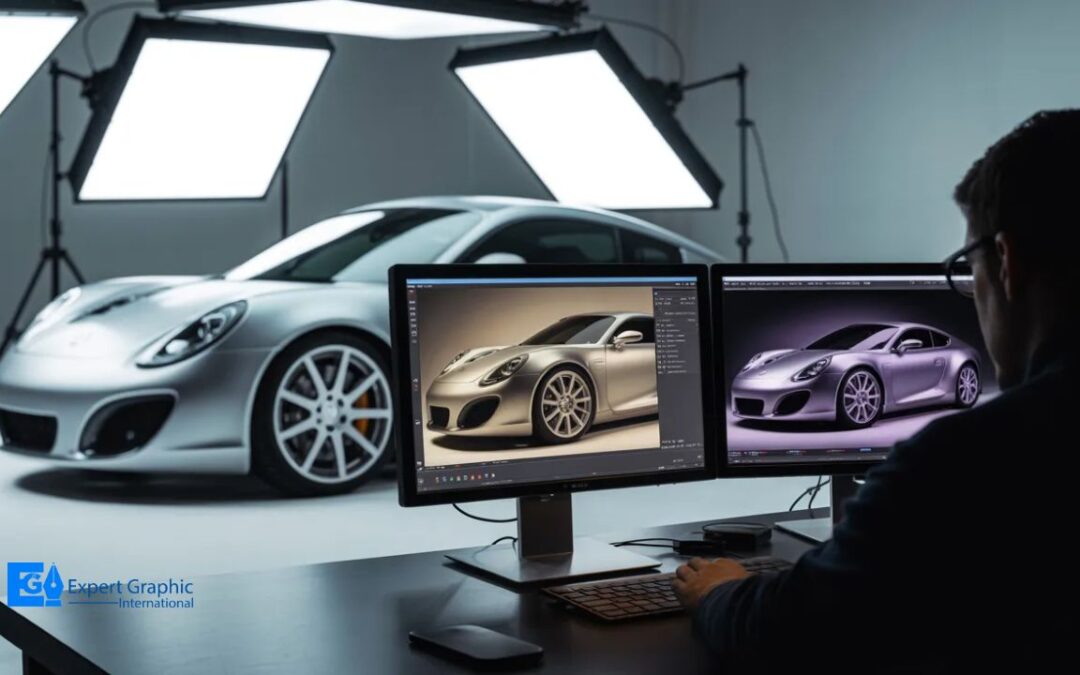
Automotive photo editing improves car images for ads, listings, catalogs, social media, and sales campaigns. It uses color correction, object removal, reflection cleanup, background replacement, and light adjustment to make vehicle photos look clean, sharp, and...
by Expert Graphic International | Apr 21, 2026 | Graphic Design, Image Editing, Photo Editing
Raster graphics software lets you edit photos and create digital art by working with pixel-based images. Adobe Photoshop leads the pack as the industry standard, while Affinity Photo offers a solid one-time purchase alternative. Free tools like GIMP and Krita get the...
by Expert Graphic International | Apr 15, 2026 | Graphic Design, Image Editing
What does “inverting colors” mean? Color inversion is an image processing technique or display setting that reverses digital color values by swapping them with their complementary opposites on the RGB color wheel. This process transforms pixel color channel values to...
by Expert Graphic International | Apr 8, 2026 | Business, Graphic Design, Image Editing
E-commerce photo editing transforms raw product shots into sales-driving visuals through background removal, color correction, retouching, and resizing. Strong product images build consumer trust research shows 67% of shoppers rank image quality as a critical buying...
by Expert Graphic International | Feb 17, 2026 | Graphic Design, Image Editing
Layer masks are your best friend for hiding or showing parts of a picture without trashing the original files. You start by hitting the Add layer mask button at the bottom of the Layers panel to get that little white thumbnail. To get to work, you grab the Brush Tool...
by Expert Graphic International | Feb 12, 2026 | Graphic Design, Image Editing, Photo Editing
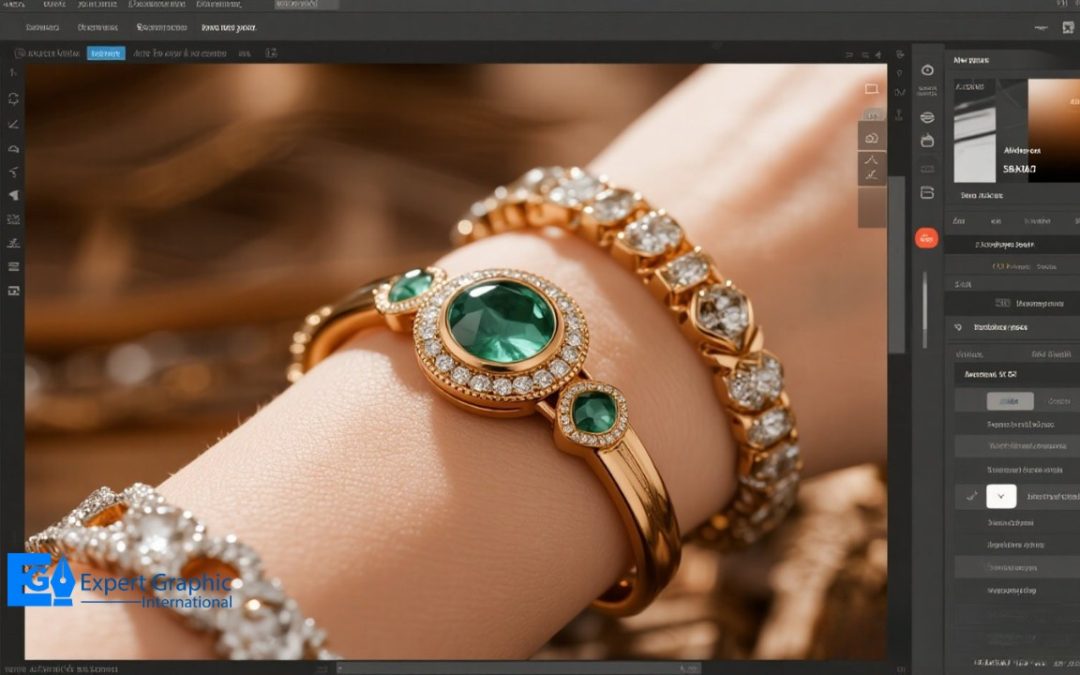
Why Is Jewelry Photo Retouching Important For Businesses? Jewelry photo retouching is a Photoshop-based editing process that makes product images look clean, sharp, and premium while keeping the jewelry true to life. It includes background removal, dust and scratch...